5 Ways to Bypass Shopify 100 Variant Limit (Easiest > Difficult)
Written by The Kickflip Team
July 4th, 2025
Table Of Contents
The long wait continues. Despite announcing its 2,000 variants limit (up from 100) aeons ago, there's still no word on when Shopify will implement the awaited feature.

A quick search on Shopify's variant limit shows concerns from frustrated merchants
Currently, only Shopify Plus merchants (including Hydrogen, Shopify's headless commerce framework for developers) have access to 2,048 variants per product.
As a non-Plus merchant, you can't afford to wait any longer. Every day a shopper abandons your store due to missing product variations is a day your sales take a tumble.
You want to offer multiple variations now, preferably in the easiest way possible. Great news, this guide shows you how.
How do I add more than 100 variants on Shopify?
Here are five workarounds to overcome Shopify's 100 variant limit. Below, we reveal each method — from instant implementation (easiest) to advanced options (most difficult) — so you can choose the best fit for your product catalog.
1. Use a product configurator
Best for: Merchants requiring advanced product customization and a smooth shopping experience from customization to purchase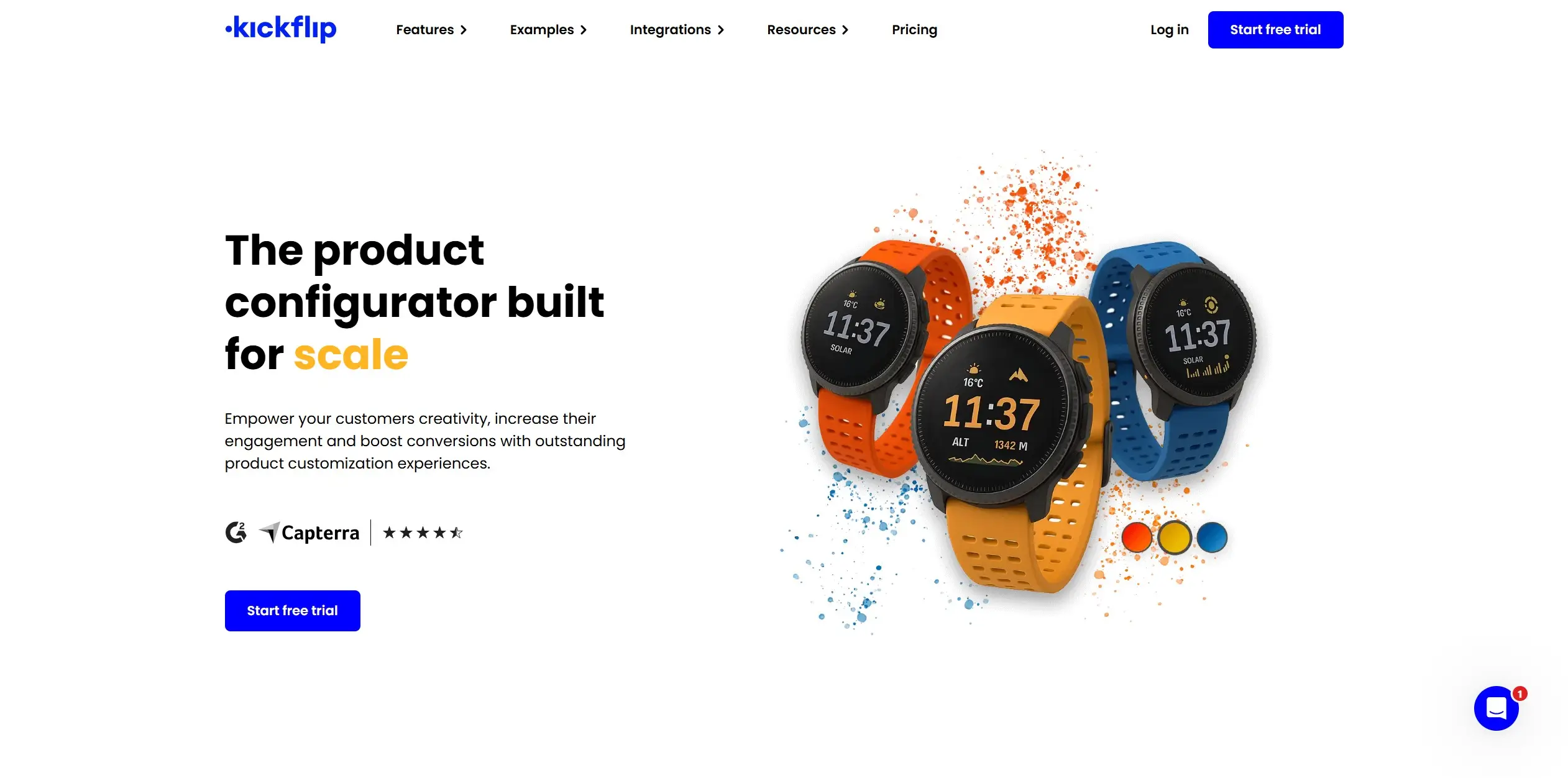
A product configurator is an interactive software where consumers customize a product to their specifications while previewing it through a 2D image or 3D model in real time.
Contrary to popular belief, you don't need to spend thousands upfront or have coding skills to build it from scratch.
At $59+/month (with 1.95% to 0% per custom product sale), Kickflip offers unlimited variants, products, product page views, and storage regardless of your plan.
With a transparent pay-as-you-grow model, you'll never face hidden fees for additional variants. Instead, gain unlimited access to custom options — text and fonts, logos, images, colors, and more — that transform passive browsing into an interactive customer experience.
Plus, easily block combination of choices and eliminate design mix-ups using our advanced logic rules. From customers’ end, they’ll see the product changes and updated cost in real time.
You can also manage your inventory and bulk orders without leaving the platform. Our built-in Configure, Price, Quote (CPQ) solution turns customized product quotes into completed orders with a few clicks.
Kickflip integrates natively with Shopify, Wix, and WooCommerce, so setup is quick. Need help? Our human-powered customer support is on standby to troubleshoot issues.
Kickflip is the most capable customizer on the market. Start your free trial today.
2. Install a product options app
Best for: Store owners requiring simple customization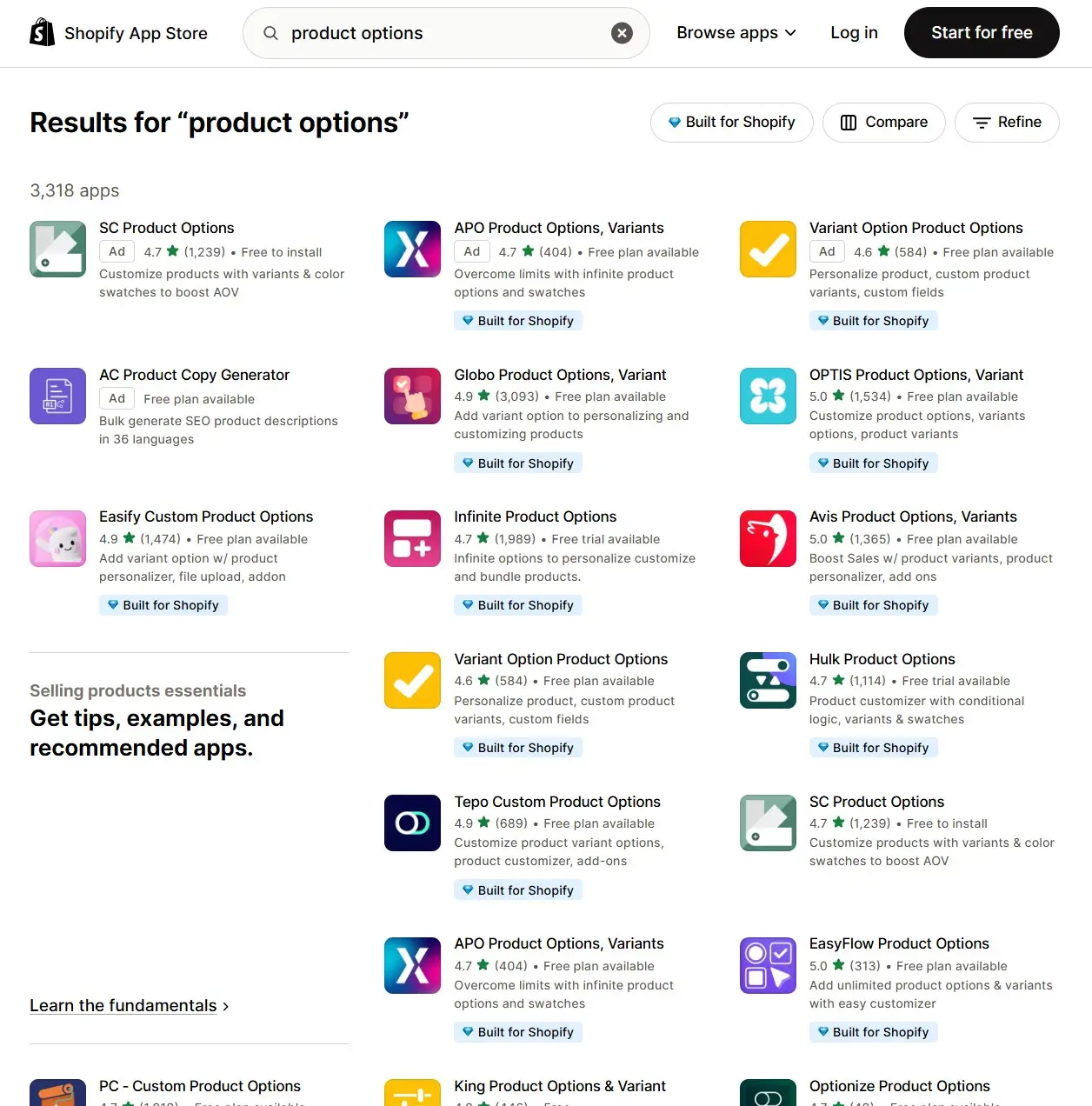
A product options app is ideal for straightforward customization.
These third-party apps excel when selling customized products that don't require interactive previews (or when product variations follow a standard structure that can be managed through basic selection tools).
Popular product options apps include:
Globo: Create infinite product options, including text, color swatches, and file uploads. Starts free with paid plans from $12.90 to $59.90 per month.
OPTIS by BSS: Customize product variants, bundles, and even gift wraps to increase average order value (AOV). Starts free with paid plans from $9.99 to $49.99 per month.
Easify: Start with ready-made templates, let customers edit images instantly after uploading, and more. Starts free with paid plans from $9.99 to $19.99 per month.
Note that these apps may restrict real-time product previews to premium plans.
3. Split products into multiple listings
Best for: Budget-strapped merchants with few products with minimum variations
Alternatively, turn your product into multiple connected listings (e.g., create separate pages for "Cotton Dress - Soft Blue Meadow" and "Cotton Dress - Forest Green"). Then implement internal links between them to maintain a cohesive user experience.
This zero-cost solution requires no technical skills but creates inventory and order tracking challenges. It could fragment your data across multiple product pages, causing confusion for you and your customers.
It might also lead to SEO issues like keyword cannibalization.
4. Use custom code
Best for: Merchants with development teams
You can also use Shopify's native toolkit (e.g., Meta fields, Liquid) and the Shopify API for advanced variant management.
However, with the sheer number of technical steps involved — you'll need to modify your Shopify theme code, add custom CSS, link a JavaScript file, etc. — we don't recommend it unless you have dedicated developers on your team.
5. Outsource to build a custom product configurator
Best for: Merchants running enterprise-level stores
Custom-built configurators deliver unmatched flexibility, allowing you to tailor every aspect of the customization experience to your specific product line.
But with the average custom product configurator costing between $300,000 and $750,000+, it's absurdly expensive for most eCommerce stores.
This method also locks up your resources in a 12-18 month development cycle, delaying your time to market and potentially missing opportunities while competitors move ahead.
Consider using plug-and-play solutions like Kickflip instead. It delivers 95% of custom functionality at a fraction of the cost. You’ll launch your advanced product configurator in weeks, saving hundreds of thousands in development costs.
Use a product configurator like Kickflip to bypass Shopify's 100 variant limit
We don't know when Shopify will implement its 2,000 variant option limit for non-Plus merchants. So pick a workaround!
For basic customization, a product options app is sufficient. For stores with few products and minimal variations, splitting into multiple listings works well.
Operating a large-scale store with a massive budget? Outsource to an agency for a fully custom solution that matches your needs. Have app developers on your team? Implement custom code to create the exact experience your customers want.
Choose Kickflip to eliminate costly upfront investments and technical headaches. Our product configurator delivers premium customization without requiring massive budgets or coding expertise.
Sign up today to unlock:
Unlimited capabilities: Enjoy unlimited products, product views, file storage, and variant combinations — giving customers thousands of customization possibilities
Smooth customizer UI: Get full control over your entire customizer experience without any coding skills
Advanced conditional logic rules: Quickly adjust questions and manage option combinations that prevent incompatible selections
Inventory and sales order management: Streamline your orders and inventory for single custom orders or large wholesale
...plus real-time pricing updates, native integration with your favorite eCommerce platform, and more for sustainable growth.
Kickflip is the fastest way to get your customized product to market. Start your free trial today.
Share This article

Written by The Kickflip Team
July 4th, 2025
The Kickflip team is made up of ecommerce specialists, product experts, and engineers behind Kickflip, a product configurator platform for Shopify, WooCommerce, and Wix. Since 2010, we’ve helped thousands of brands scale personalized product experiences, from startups to Fortune 500 companies. On our blog, we share practical insights to help you improve the buying experience and grow your business with product customization.


Maarten Luyckx
Osaka World
The user-friendly interface of Kickflip, combined with excellent customer service, ensured that this project was brought to a successful and beautiful conclusion.
Shopify App Store
May 20, 2021

Marie-Laetitia Rossazza
My Dust Bag
It took me a long time to find the perfect customizer app, and I’m so happy to say that I finally did! Kickflip is truly the best app on the market. The front end and back end are excellent, and the team behind it is incredibly kind and helpful!
Shopify App Store
September 1, 2023

Brad Jurga
All-Star Sporting Goods
Kickflip made everything easy, from designing the builder all the way through launch. We’re designing truly custom equipment for elite baseball players and this platform allows us to have better engagement and excitement around our brand. We’re seeing an instant return.
Shopify App Store
June 16, 2025

Kasper Taylor
CodedInk
My experience with both the product and the support team has been fantastic. The user interface and user experience are excellent. The features are powerful, and the WooCommerce integration is seamless and easy to set up.
G2.com
June 16, 2025

Saber Naceur
Vinylacy
By far, and I truly mean it, the best customizer available on Shopify. It’s easy to understand and manage, offers options for all types of products, and works extremely well. On top of that, it looks beautiful and feels premium. Highly recommended.
Shopify App Store
December 17, 2022

Jesus Guillermo de León Pérez
Dismo
Kickflip is a fantastic tool. It’s super intuitive, easy to use, and packed with capabilities. You don’t have to be an expert or have experience with other products to get started. The support team is also great and very responsive.
Shopify App Store
July 10, 2024

Frieder Urban
Era of Arc
We were looking for an uncomplicated configurator that was quick and easy to set up, offered plenty of design options, and worked reliably with fast loading times. We tested many configurators on the market, and with Kickflip, we found exactly what we needed.
Shopify App Store
October 10, 2024

John Taggart
Jack Harry and Ollie
What a great addition to our business Kickflip has been. It’s been fantastic to offer our customers the ability to personalize their orders. The support has been excellent, and we especially love that the pricing is tied to our success as customers make purchases.
Shopify App Store
May 7, 2021

TJ Garske
The Net Return
Kickflip saves our team a ton of time by eliminating the need to create custom mockups for customers. Customers can build their product themselves and place an order instantly, without any back-and-forth.
G2.com
January 26, 2026

Amin Hasani
CURVD
After extensive research into product customizer tools, we chose Kickflip for many reasons. We don’t like complicating simple tasks for customers, and Kickflip helped us simplify the process and create a seamless customer experience.
Shopify App Store
July 29, 2025