Shopify product configurator
Visual & interactive customization, built into your Shopify store
Shopify's native product options work for a basic size/color dropdown, but they cap out at 3 options and never show customers a live preview. Kickflip is a visual product configurator for Shopify: customers see their product update in real time as they choose colors, materials, text, or engraving, with pricing that adjusts as they go. Install it from the Shopify App Store and add it to your product page as an App Embed, no Liquid coding, no developer.
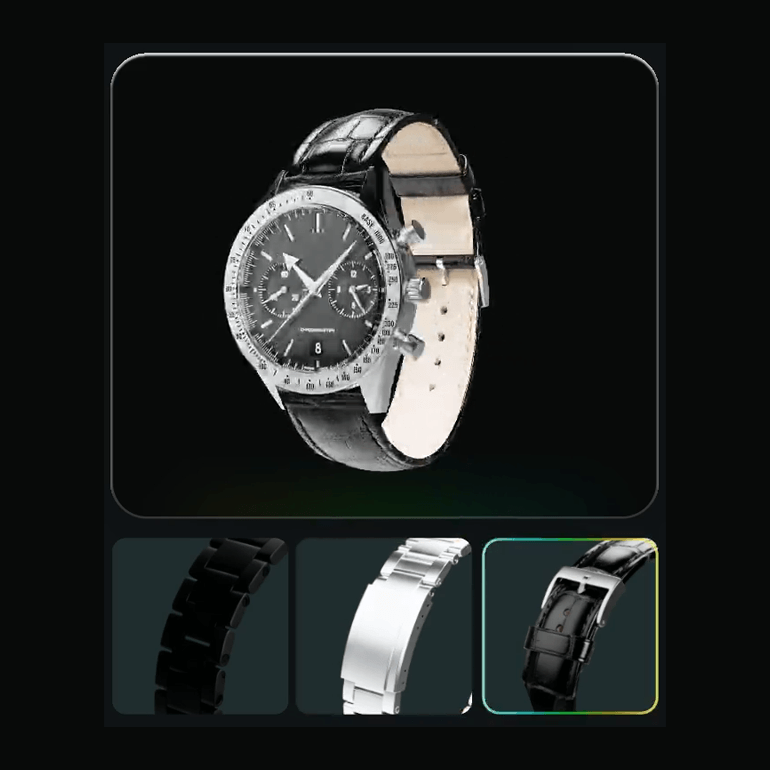
Real-time visual preview
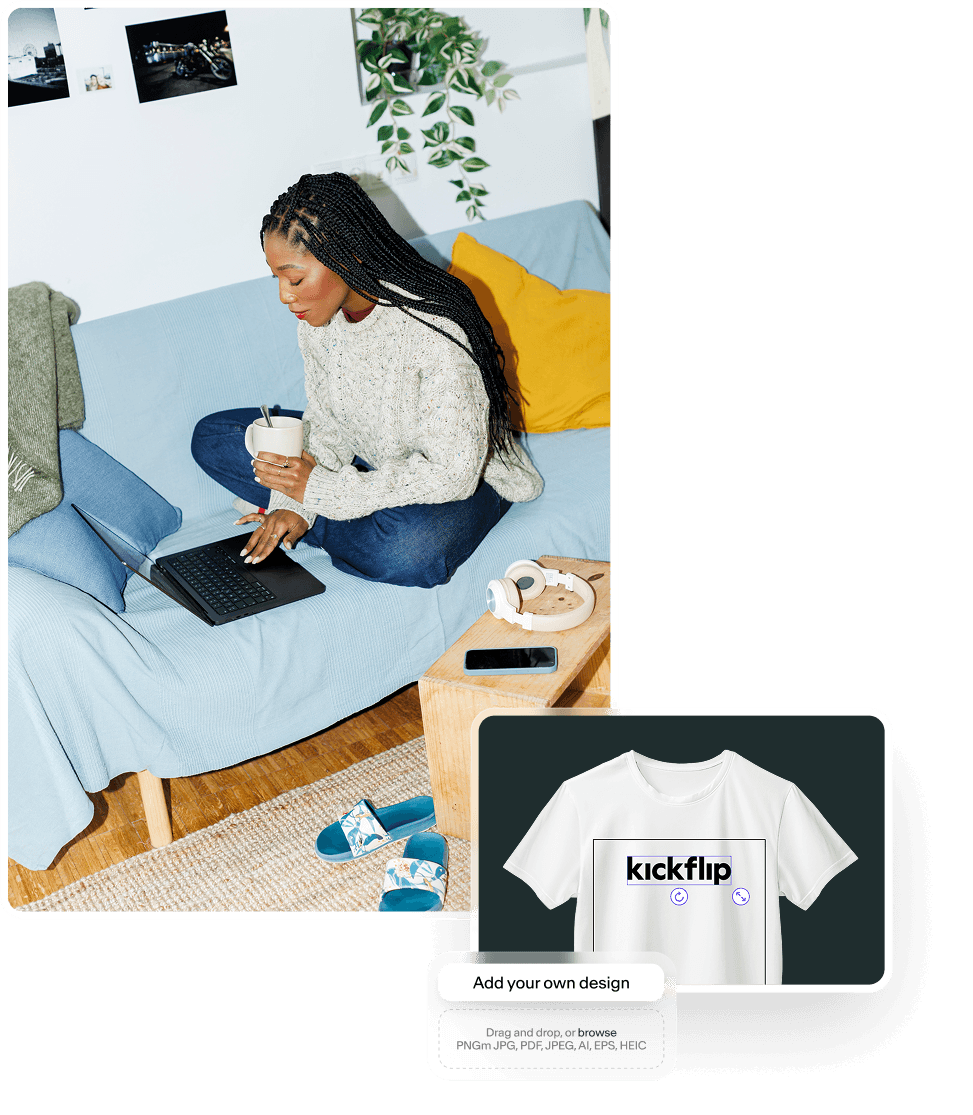
As customers customize, the product image updates instantly, price included. They see exactly what their choice looks like before adding to cart, something Shopify's default variant picker can't do.
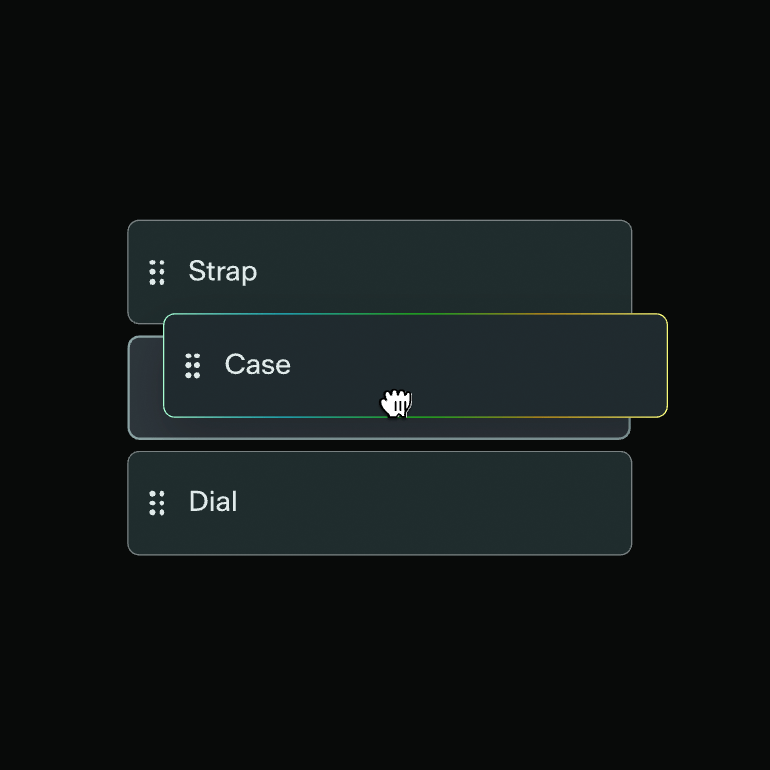
No code web-based solution
Add Kickflip to your store through the Shopify App Store and place it on your product page as an App Embed Block. No Liquid file edits, no custom code, no developer needed.
Synced with your Shopify store
Products and orders stay in sync with your Shopify store. Every configuration a customer builds becomes a real order on your Orders page, with the full customization detail attached via line item properties.
What is a Shopify product configurator?
Shopify Stores let you set up product options, but they're capped at 3 option sets per product (even with the higher 2,048-variant ceiling Shopify now allows), there's no live visual preview, and there's no way to stop customers from picking combinations that don't actually exist.
A Shopify product configurator replaces that with a rules-based, visual builder: customers see the product update as they customize, invalid combinations get blocked automatically, and pricing recalculates on the fly, all without you manually setting up every combination as a separate variant.
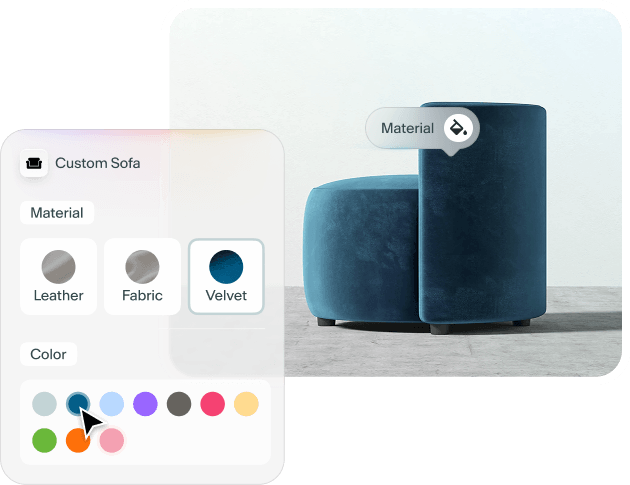

Shopify product customizer vs. configurator vs. native options
Shopify's native options (built-in): Fine for a simple dropdown, like picking a size or color. No live preview, and you're capped at 3 option sets per product no matter how many variants Shopify allows.
Shopify product customizer apps: Apps from the Shopify App Store that add basic personalization, like a text field or an image upload. Useful for light customization, but usually without real-time visual feedback or logic between fields.
A full product configurator: Adds a real-time visual preview, conditional logic that blocks combinations you can't fulfill, and dynamic pricing, so what the customer sees matches exactly what they'll receive.
How a Shopify product configurator works
A web-based product configurator works by guiding customers through a step-by-step customization process directly on your Shopify product page.
1
Choose a custom product
Customers land on your Shopify product page, selecting colors, materials, components, or personalized text while a live preview updates instantly.
2
Customize live
Configuration logic runs in the background, blocking combinations that aren't possible, adjusting price in real time, and preparing a complete, ready-to-produce spec.
3
Add to cart
The finished product adds to the Shopify cart like any other, flows through your existing checkout, and lands on your Orders page with the full customization attached. Your Shopify inventory even syncs in real-time as custom items get purchased.
Top product configurator features for Shopify stores
Kickflip combines powerful configuration logic with a seamless user experience, so you can build, manage, and scale complex product configurations without friction.


Unlimited option combinations
Go past Shopify's 3-option cap. Offer unlimited colors, materials, and components without creating a separate variant for each one.

Real-time product preview & pricing
The product image and price update live as customers configure, closing the gap Shopify's default variant picker leaves between "select an option" and "see what you get."

Flexible inputs & choices
Dropdowns, image uploads, font pickers, thumbnail galleries. Everything a Shopify variant picker can't do on its own.

Conditional logic
Stop customers from configuring combinations that don't exist. Rules adapt in real time as choices are made.

Fits your Shopify theme
Style the configurator to match your storefront directly through the theme editor, no custom CSS required.

Print ready files generation
Customer uploads and text automatically convert into high-resolution, production-ready files (beta).

Configure price quote (CPQ) for complex orders
For made-to-order or higher-ticket products, capture requirements and quote accurately before checkout.
Why go beyond Shopify's native product options?
If you're relying on Shopify's built-in variant picker, you've probably already hit one of these walls: only 3 option sets to work with no matter your variant cap, no way to stop a customer from ordering a combination you can't produce, or a product page that doesn't show what the finished item will look like.
A configurator fixes all three.
The result: fewer returns and support requests from mismatched orders, higher conversion because customers can actually see what they're customizing, and more room to upsell add-ons since the logic is already built to support them.
Installing Kickflip on Shopify
Kickflip connects to Shopify through the Shopify App Store. Once installed, add it to your product page as an App Embed Block from the theme editor, no Liquid file edits, no custom code, no developer.
No separate checkout to manage. Customers check out through your existing Shopify checkout.
Works inside the theme editor you already use. Enable the App Embed Block and place it on your product page.
Orders stay synced. Configurations land on your Shopify Orders page with full customization details attached.
Setup takes only a few clicks.



Kickflip turns any product into
infinite revenue streams
in sales powered by Kickflip
$100M+
higher conversion rate
150%
higher profit margins
+50%
Kickflip merchants have driven $100M+ in custom product sales, converting 150% more customers and achieving up to 50% higher profit margins.
Explore our product configuration solutions
Discover how Kickflip helps businesses deliver premium product customization experiences.

Product configurator
Kickflip lets your customers customize products in real time with a visual, interactive product configurator built for ecommerce.
Product personalization software
Offer customers a simple way to personalize products with text, images, colors, and more with instant visual feedback.
Product personalizer
Offer shoppers an interactive way to create products that match exactly what they want.
Woocommerce product designer plugin
Offer an interactive product designer on WooCommerce so customers can create products before purchasing.
Product visualization software
Deliver high-quality product visualization that lets customers see exactly what they’re ordering before purchase.
Product configurator software
Build powerful product configurators that let customers configure complex products with real-time visual previews and dynamic options.
Shopify product configurator FAQ
Shopify's built-in options are capped at 3 option sets per product and show no live preview. A configurator supports unlimited combinations, blocks invalid ones automatically, and updates a visual preview and price in real time.
Thousands of brands.
Millions of carts filled with Kickflip.

Maarten Luyckx
Osaka World
The user-friendly interface of Kickflip, combined with excellent customer service, ensured that this project was brought to a successful and beautiful conclusion.
Shopify App Store
May 20, 2021

Marie-Laetitia Rossazza
My Dust Bag
It took me a long time to find the perfect customizer app, and I’m so happy to say that I finally did! Kickflip is truly the best app on the market. The front end and back end are excellent, and the team behind it is incredibly kind and helpful!
Shopify App Store
September 1, 2023

Brad Jurga
All-Star Sporting Goods
Kickflip made everything easy, from designing the builder all the way through launch. We’re designing truly custom equipment for elite baseball players and this platform allows us to have better engagement and excitement around our brand. We’re seeing an instant return.
Shopify App Store
June 16, 2025

Kasper Taylor
CodedInk
My experience with both the product and the support team has been fantastic. The user interface and user experience are excellent. The features are powerful, and the WooCommerce integration is seamless and easy to set up.
G2.com
June 16, 2025

Saber Naceur
Vinylacy
By far, and I truly mean it, the best customizer available on Shopify. It’s easy to understand and manage, offers options for all types of products, and works extremely well. On top of that, it looks beautiful and feels premium. Highly recommended.
Shopify App Store
December 17, 2022

Jesus Guillermo de León Pérez
Dismo
Kickflip is a fantastic tool. It’s super intuitive, easy to use, and packed with capabilities. You don’t have to be an expert or have experience with other products to get started. The support team is also great and very responsive.
Shopify App Store
July 10, 2024

Frieder Urban
Era of Arc
We were looking for an uncomplicated configurator that was quick and easy to set up, offered plenty of design options, and worked reliably with fast loading times. We tested many configurators on the market, and with Kickflip, we found exactly what we needed.
Shopify App Store
October 10, 2024

John Taggart
Jack Harry and Ollie
What a great addition to our business Kickflip has been. It’s been fantastic to offer our customers the ability to personalize their orders. The support has been excellent, and we especially love that the pricing is tied to our success as customers make purchases.
Shopify App Store
May 7, 2021

TJ Garske
The Net Return
Kickflip saves our team a ton of time by eliminating the need to create custom mockups for customers. Customers can build their product themselves and place an order instantly, without any back-and-forth.
G2.com
January 26, 2026

Amin Hasani
CURVD
After extensive research into product customizer tools, we chose Kickflip for many reasons. We don’t like complicating simple tasks for customers, and Kickflip helped us simplify the process and create a seamless customer experience.
Shopify App Store
July 29, 2025